
Download Visual Studio Community 2022 – IDE, coding, programming, software development, C#, Visual Basic, F#, C++, debugging, deployment, open source, education, productivity, tool
Overview
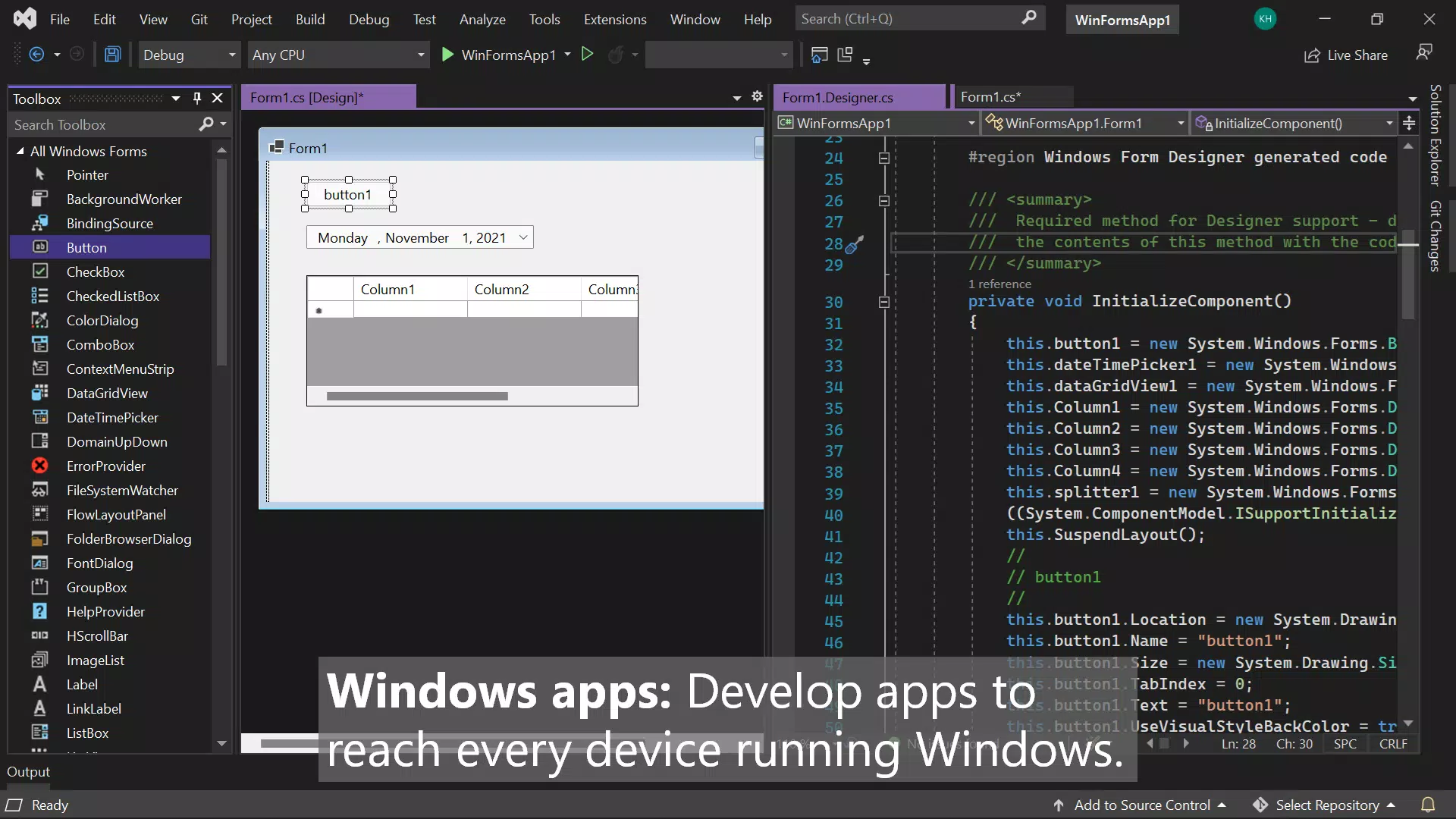
Visual Studio Community 2022 is a powerful, feature-rich integrated development environment (IDE) designed for developers across various skill levels and project scopes. Developed by Microsoft Corporation, it serves as a comprehensive toolset for modern software development, supporting a wide range of programming languages including C#, Visual Basic, F#, and C++. The app is particularly suited for individuals, students, educators, and open-source contributors who require a robust yet accessible platform for building applications. It addresses the core challenges of coding, debugging, testing, and deployment within a unified interface, significantly reducing the need for external tools and streamlining workflows.
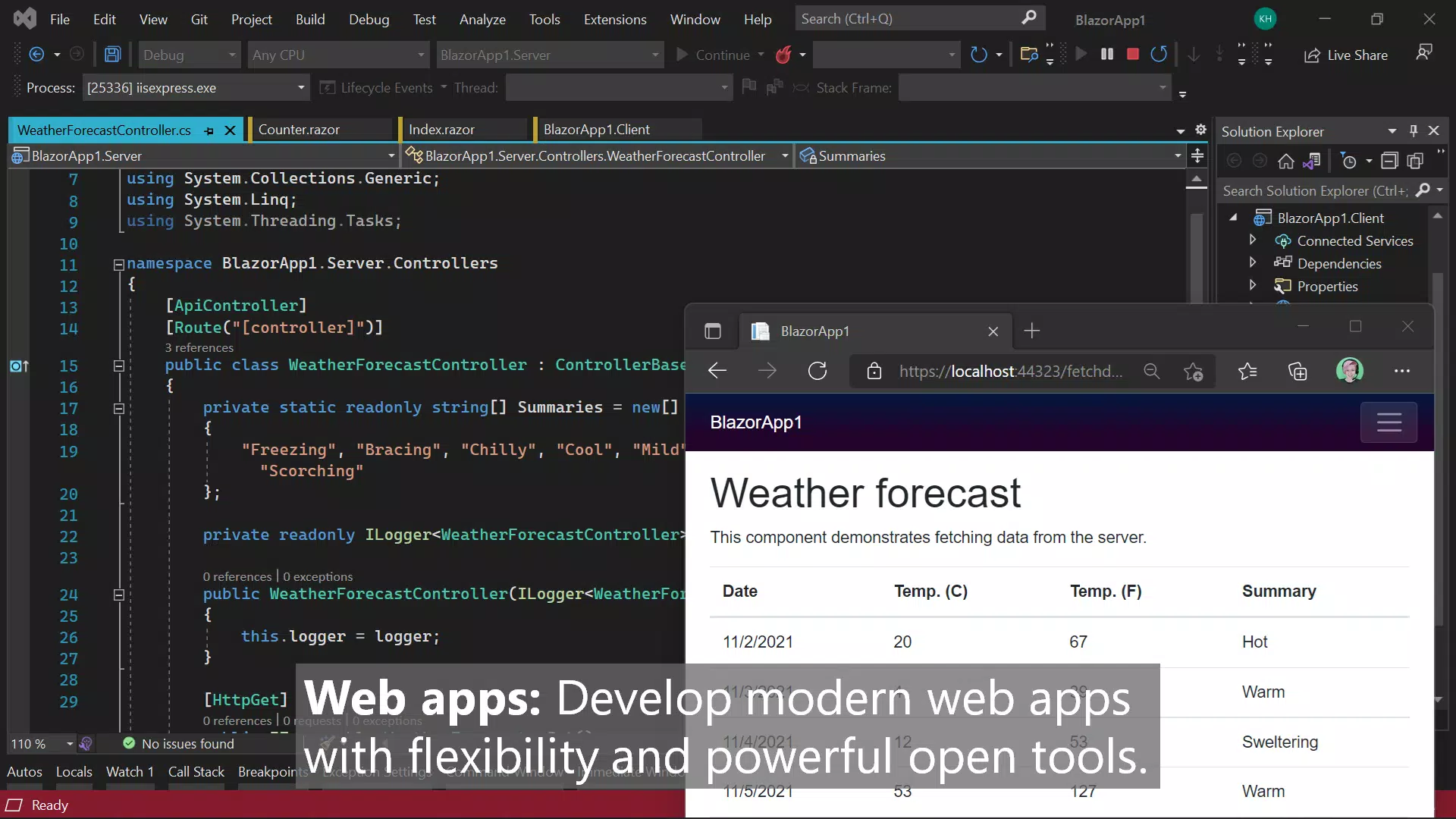
Real-world use cases include developing desktop applications for Windows, creating web services, building cross-platform mobile apps using Xamarin, and contributing to open-source projects. Its emphasis on education and community collaboration makes it a preferred choice in academic institutions and developer training programs. The availability of the app at no cost for qualifying users underscores its role in democratizing access to professional-grade development tools. In the broader software ecosystem, Visual Studio Community 2022 plays a critical role in fostering innovation by lowering entry barriers for new developers while maintaining high standards for professional-grade output.
Key Features & Functionality
- Extensive Language Support: The IDE provides full integration for C#, Visual Basic, F#, and C++, enabling developers to work seamlessly across different paradigms and project types. This flexibility allows teams to choose the most suitable language for each component of a complex application.
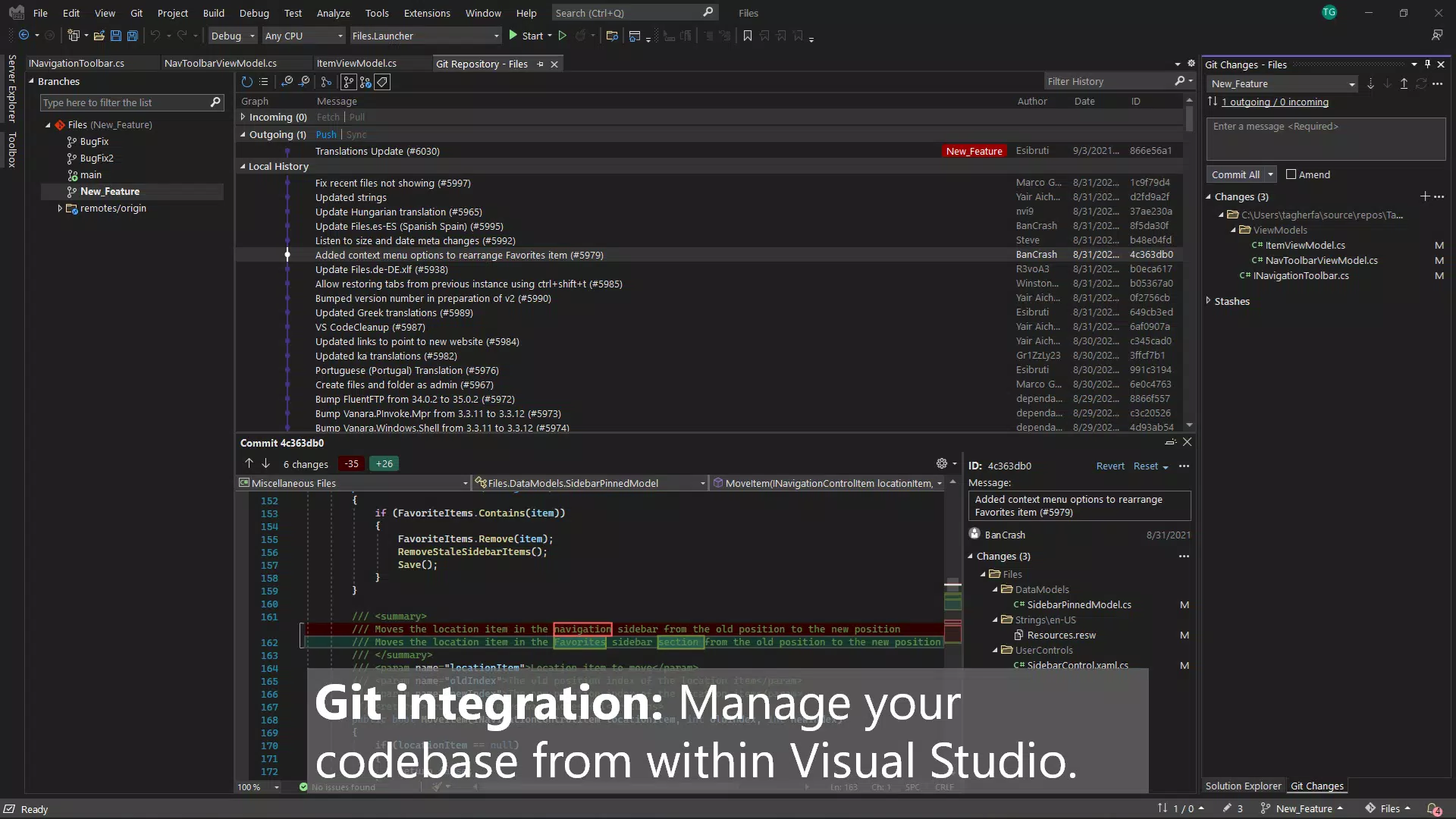
- Integrated Development Environment: All essential tools—code editor, debugger, compiler, and version control—are built into a single interface. This consolidation minimizes context switching and enhances productivity, especially during long development sessions.
- Advanced Debugging Capabilities: Features such as step-through debugging, conditional breakpoints, watch windows, and live variable inspection allow developers to analyze code execution in real time, accelerating issue resolution.
- Multi-Platform Deployment: Developers can deploy applications to Android, iOS, and Windows platforms with built-in support for cross-platform frameworks like Xamarin and .NET MAUI, expanding the reach of their software.
- Open Source and Educational Accessibility: The free licensing model applies to individual developers, academic institutions, and open-source contributors, promoting inclusive innovation and reducing financial barriers to entry.
For example, a student learning C# can use the IDE to write, test, and debug a console application in a single environment. A startup team developing a mobile app can leverage the deployment tools to package and distribute their product across multiple platforms without switching tools. The built-in code analysis and refactoring features further support clean, maintainable code, which is essential in collaborative development.
Interface, UX & Performance
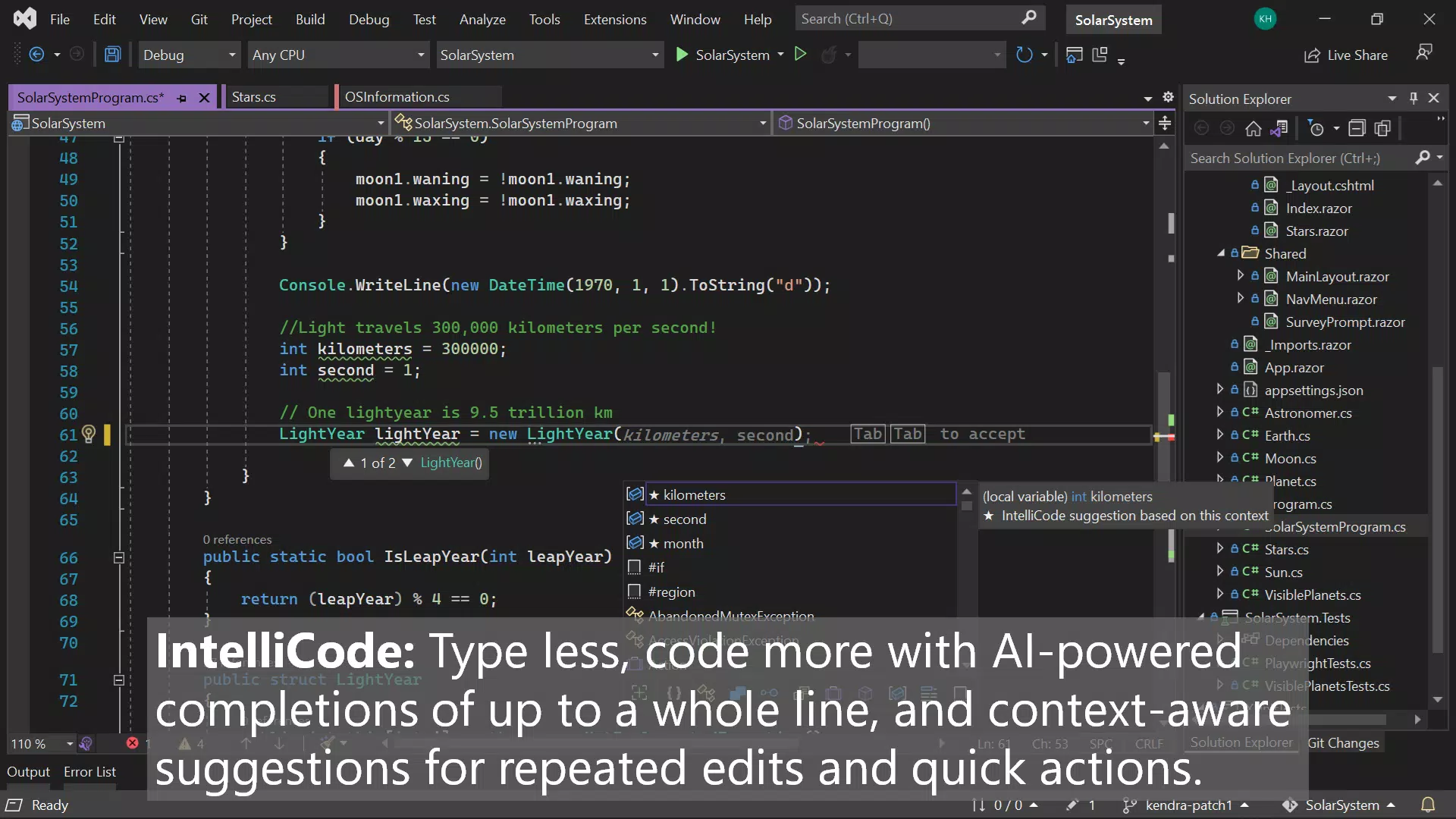
The user interface of Visual Studio Community 2022 is designed with developer workflows in mind, featuring a customizable layout with dockable panels, tabbed document windows, and a rich set of toolbars. The visual style is clean and functional, prioritizing readability and accessibility, with syntax highlighting, intelligent code completion, and real-time error detection. Navigation is intuitive, allowing users to quickly access project files, debugging tools, and output windows through a well-organized menu system.
Although the developer did not list formal performance metrics, the app is optimized for use on modern Windows systems with sufficient RAM and processing power. It maintains responsiveness even when handling large projects, though performance may vary on lower-end hardware. Stability is generally high, with regular updates addressing known issues. The app’s ability to manage multiple projects simultaneously and support background compilation ensures a smooth experience during active development. Users can expect consistent performance across different device categories, provided the system meets minimum requirements.
Platform Compatibility & Technical Requirements
Visual Studio Community 2022 is available exclusively for the Windows platform. It requires a Windows operating system, though specific minimum OS versions were not listed by the developer. The app has a file size of 14.2 GB, which reflects its comprehensive toolset and extensive dependencies. This large footprint is typical for full-featured IDEs that include compilers, debuggers, libraries, and framework support.
The developer did not specify minimum OS requirements or hardware recommendations. Users should ensure their system has adequate storage space and meets the general specifications expected for running modern development software. While the app is designed for desktop environments, it does not support mobile platforms or non-Windows operating systems. Compatibility information was not fully disclosed, so users are advised to consult official Microsoft documentation for detailed system requirements.
Pros and Cons
Pros
- Comprehensive support for multiple programming languages including C#, Visual Basic, F#, and C++
- Free access for individuals, educators, and open-source contributors
- Integrated debugging, testing, and deployment tools within a single environment
- Strong support for cross-platform development using .NET and Xamarin
- Regular updates and long-term support from Microsoft
Cons
- Large file size (14.2 GB) may be challenging for users with limited storage
- Exclusive to Windows, limiting accessibility on macOS or Linux systems
- Higher system resource demands may affect performance on older or low-end machines
- Steep learning curve for complete beginners without prior coding experience
- Compatibility information was not fully disclosed
FAQ
Is Visual Studio Community 2022 free to use?
Yes, Visual Studio Community 2022 is available at no cost for individual developers, students, educators, and open-source contributors. The free license includes full access to all core features.
Can I use Visual Studio Community 2022 for commercial projects?
Yes, but only if your organization has fewer than 250 employees and generates less than $1 million in annual revenue. For larger organizations, a paid license is required.
Does Visual Studio Community 2022 support mobile app development?
Yes, it includes tools for developing cross-platform mobile applications using frameworks like Xamarin and .NET MAUI, enabling deployment to Android and iOS devices.
What programming languages are supported?
The IDE supports C#, Visual Basic, F#, C++, JavaScript, TypeScript, Python, and more, making it suitable for a wide range of development tasks.
How often is Visual Studio Community 2022 updated?
Microsoft regularly releases updates, including security patches, performance improvements, and new features. Updates are typically available through the built-in update system.
Final Thoughts
Visual Studio Community 2022 stands as a benchmark in developer tools, offering a powerful, flexible, and accessible environment for modern software creation. Its comprehensive feature set, strong language support, and commitment to open-source and educational communities make it an essential tool for developers at all levels. While the large file size and Windows-only availability present limitations, the benefits far outweigh the drawbacks for its target audience. Whether you're a student learning to code, a hobbyist building your first app, or a professional managing complex projects, this IDE delivers unmatched value. The seamless integration of coding, debugging, and deployment tools enhances productivity and reduces friction in the development lifecycle.
Download Visual Studio Community 2022 now


